Skip to the tool
hdrglow

This screen can show the glow — its highlights go above white.This screen shows the plain image. White is its ceiling, so nothing can go brighter than the page around it.

What your browser reports

Brightness range
HDRSDR
Video range
HDRSDR
Colour gamut
sRGBDisplay P3Rec. 2020

These are the browser's own answers about the display it is drawing on, not a measurement of the panel — on Windows they also depend on HDR being switched on in the system settings. Whether a platform keeps the gain map after you upload is a different question: see where it works.

Make any image glow brighter than white.

Drop in a photo or an SVG logo. You get an Ultra HDR file that renders above white on Instagram and Threads, even on a dimmed phone.

The panel below is live and shows you the difference first. Drag the divider across it: one file, one screen, two halves.

Simulated HDR screenWhat this file looks like on a display that goes past white.

Gain map

Drop an image or a logo on this panel, or use the file picker.

3D preview
First tap loads a 3D engine, ~150 KB
Actual file

Loading the 3D preview…

Drag
OriginalHDR simulationGain map

On an SDR screen both halves are dimmed alike; only the glow keeps its level.

Bright images in the size you are posting into

Opens the tool above with that format already selected.

These four are the places a gain map gets through without a detour, and any of them also works for your own website. What happens everywhere else isin the table below — reported in August 2026, not measured by us.

Which platforms keep HDR images bright?

A gain map rides inside the file, so the only question is whether a platform re-encodes the upload.

Instagram, Threads, Skool and any website keep it: post the downloaded file as it is and it glows. Reddit, Discord, Slack and LinkedIn depend on which client opens it — the browser keeps it, the native app often does not. X, WhatsApp, Telegram, TikTok photo mode and YouTube re-encode the upload and strip it, and for WhatsApp and Telegram there is a detour further down this section.

The gain map survivesPost the downloaded file as it is.

  • Instagram and Threads

    App and web

    Feed, Stories and carousels. This is the reference case, and the one the presets are cut for.

    reported 08/2026

  • Skool

    Browser

    Stored through S3 and Cloudfront without the aggressive XMP compression that costs the gain map elsewhere.

    reported 08/2026

  • Any website

    HDR and OLED screens

    Rendered natively by the browser. On an ordinary screen the same file is an ordinary JPEG.

    reported 08/2026

Depends on which client opens itThe browser keeps it, the native app often does not.

  • Reddit

    Web and native app

    The web post glows. The native app sometimes re-encodes the upload to WebP, and WebP carries no XMP.

    reported 08/2026

  • Discord

    Browser and desktop client

    The browser is reliable. The desktop client depends on hardware acceleration and on HDR being on in the operating system.

    reported 08/2026

  • Slack

    Web and app

    Fully working on the web. The app falls back cleanly to the ordinary image rather than breaking it.

    reported 08/2026

  • LinkedIn

    Web feed and mobile app

    The web feed passes the gain map through. The mobile app re-encodes the image and drops it.

    reported 08/2026

The gain map is strippedThe image still posts. It just stops glowing.

  • X

    Everywhere

    Re-encodes every upload.

    reported 08/2026

  • WhatsApp and Telegram

    Sent as a photo

    Both re-encode anything sent through the photo picker. Sent as a document they do not — that is the one detour on this page.

    reported 08/2026

  • TikTok photo mode

    Photo posts

    Compresses the gain map away. For TikTok the working path is video, not a still.

    reported 08/2026

  • YouTube

    Community posts and thumbnails

    Community posts usually lose the metadata. Thumbnails do not work at all — that question comes up often, and the answer is no.

    reported 08/2026

Reported, not verified. Every line above is researched from the state of reporting in August 2026. None of it is our own measurement yet. A line turns to verified, with its own date, once we have posted a file through that platform and looked at the result on HDR hardware. Saying which is which is the whole point of the table.

The same table is available as data at/platforms.json, one entry per line with its provenance attached, free to quote and reuse with attribution under CC BY 4.0.

WhatsApp and Telegram anyway: send it as a document

The photo picker is what re-encodes. Attach the same file as a document instead and the gain map arrives intact — the receiver gets the original, and it lights up when they open it in their gallery or preview.

WhatsApp

Attach it as a document, not through the photo picker. There is no way to make the thumbnail in the chat thread itself glow — the glow is in the file the receiver opens.

Telegram

Send it as a document, or keep the photo and turn compression off. Telegram Web renders the gain map when the file was shared uncompressed.

reported 08/2026

For Shorts, TikTok and Reels, the answer is video

Those three feeds are built for video, and HDR video is where a phone reliably drives part of its screen past white. What fails as a still works there.

It is a different technique, not a setting. HDR video carries no gain map: the extra range sits in a 10-bit transfer function, HLG or PQ, inside the stream itself. None of the code that writes these JPEGs applies to it — it would take WebCodecs, an HLG encoder and an MP4 muxer, all running in the browser, on the same terms as everything else here.

That is a separate build rather than a setting we forgot to ship, which is why there is no date on this paragraph.

Why an Ultra HDR image looks brighter than white
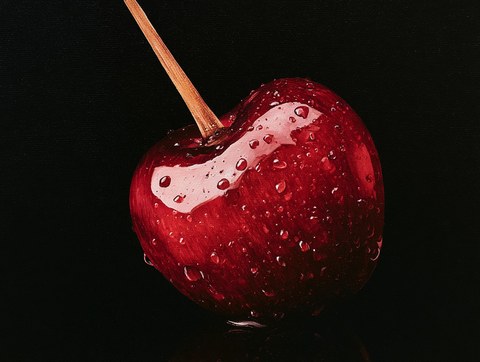
Real Ultra HDR files, generated with this tool — not customer work, not photographs of a screen. On an HDR display the light areas lift above white as they pass.

An Ultra HDR file is a JPEG with a second picture hidden inside it. The first is the ordinary image every device has been able to read for thirty years. The second is the gain map: a small greyscale layer in which every pixel states how much brighter that spot may be drawn on a display that can go past white. Metadata written to ISO 21496-1 ties the two together, and that is the same container Google ships in Android and Adobe writes out of Lightroom.

The design is why the file travels so well. Software that has never heard of a gain map sees a perfectly normal JPEG and shows the first picture. A recent iPhone, Pixel or Galaxy reads the second one and lifts the marked pixels, often to five or six times the brightness of the white sitting next to them. Nothing is faked and nothing is blown out. The extra range was measured into the file when it was written.

Instagram HDR is this mechanism and nothing more exotic, and it is why a plain white logo can look lit from behind in a Story. Instagram and Threads pass the gain map through their upload pipeline instead of flattening it away. On a phone held at twenty percent brightness the gap gets wider rather than narrower: the rest of the feed falls into the dark and the marked pixels keep their level.

Computing that second picture is all this tool does. It reads the luminance of every pixel, decides how far above the threshold it sits, eases the transition so no ring forms around a bright shape, and writes the result into the container beside your image. It runs on your own device because it can: the work is a handful of passes over an array, and there is nothing in it that needs a server.

Drag the handle. The left half is the ordinary file, the right half is the Ultra HDR file made from it.Your screen can go above white, so both halves are the real files and the difference you see is the real one.Your screen cannot go above white, and on it the two files are pixel for pixel identical — the base image of an Ultra HDR file is the original, untouched. So both halves here are dimmed by the same amount and only the glow keeps its level. That ratio is what your eye reads on real HDR hardware. It is a simulation, and it is the only honest one available on this display.
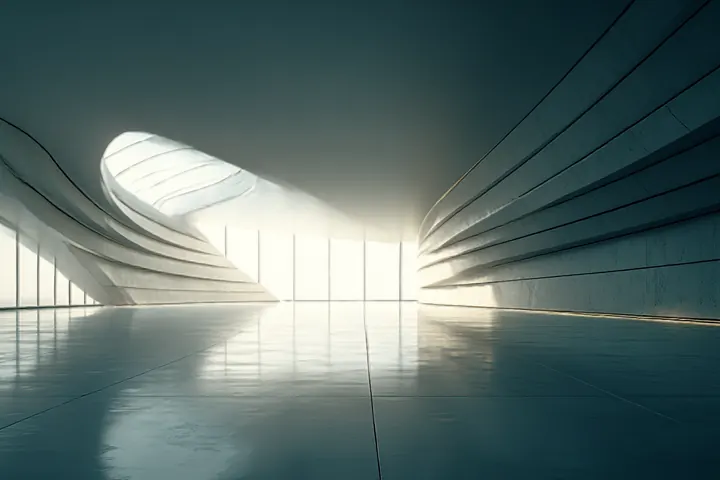
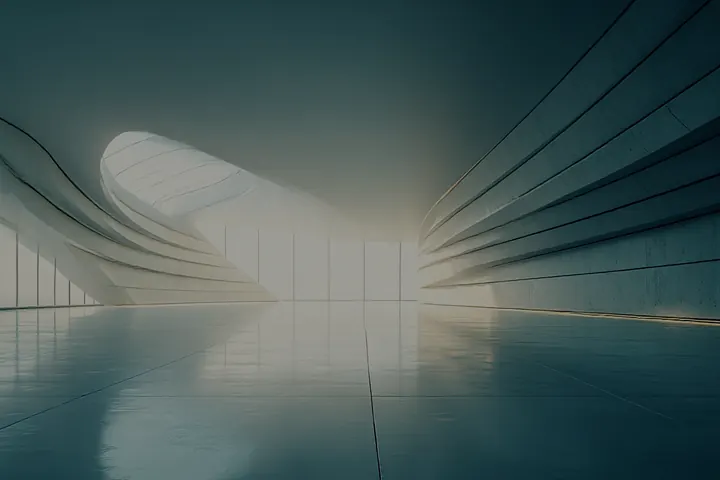
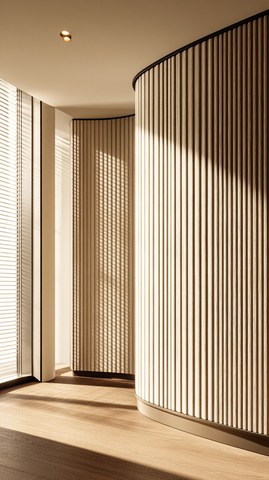
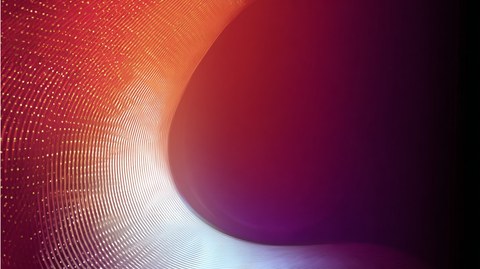
A curved concrete hall, wide and empty, with daylight breaking in at the far end.OrdinaryUltra HDR
The opening at the end is the only thing that moves. The walls stay concrete.
Three chevrons in white, pointing right, on a grey ground.OrdinaryUltra HDR
A mark, not a photograph: flat colour and hard edges, the case a logo is.
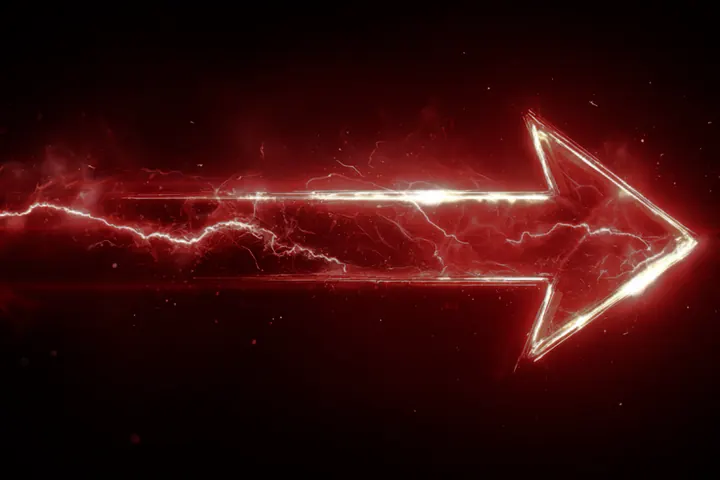
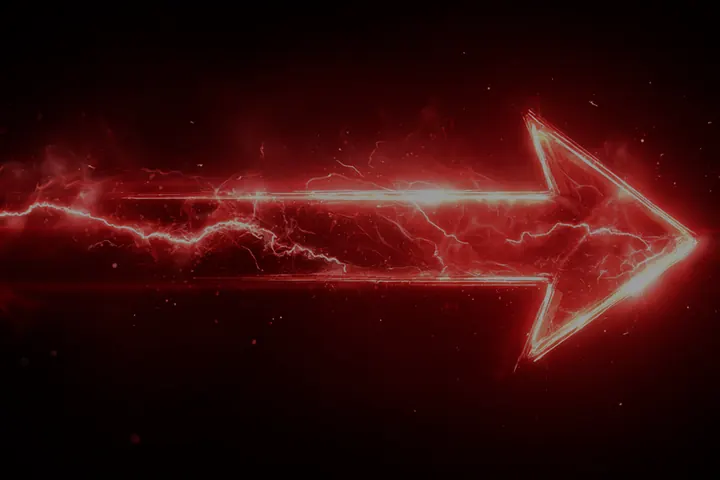
A red arrow drawn in light, with lightning arcing along it, on a black ground.OrdinaryUltra HDR
A thin bright shape on a deep red ground — the case a gain map was made for.
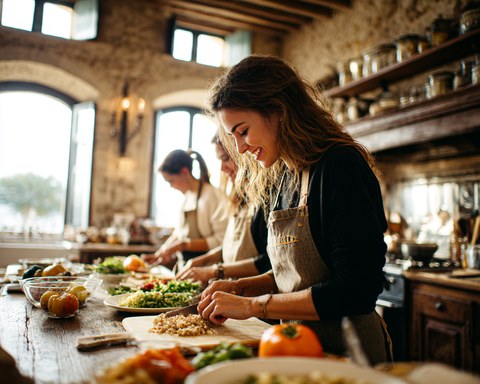
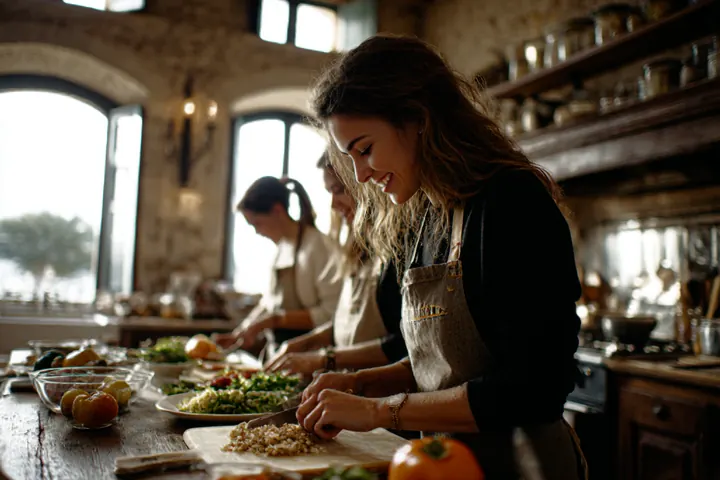
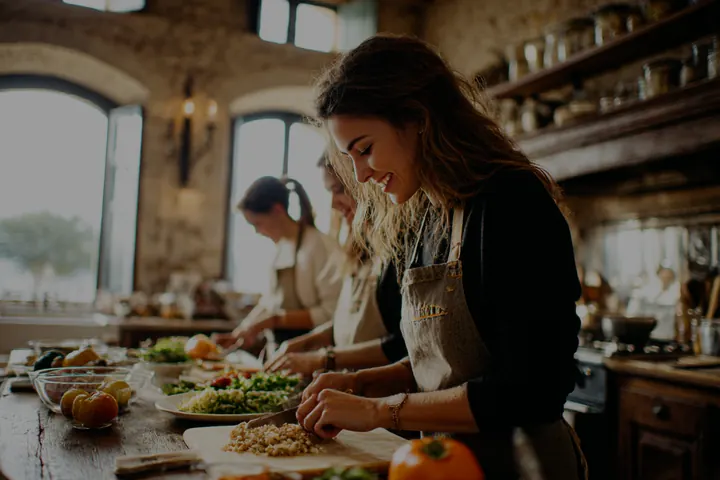
Three people preparing food together at a long table in a rustic kitchen.OrdinaryUltra HDR
The windows lift and the lamps come on; faces and food stay where they were.

A super bright image in three steps, none of them a sign-up

  1. Pick a file.

    Your browser decodes it and rasterizes it into the format you chose, so an SVG is rendered at the target resolution instead of being scaled up from a thumbnail.
  2. The gain map is computed.

    Every pixel gets an instruction for how far above white it may be rendered, derived from its own luminance and eased at the threshold so no ring appears around bright areas.
  3. You download one file.

    An Ultra HDR JPEG holding the ordinary image, the gain map and the metadata that ties them together, which is why it can be posted anywhere a JPEG can.

Where extra bright images show up

Three everyday moments where the glow makes the difference. A photograph can no more carry HDR than a screenshot can, so these are illustrations, but what glows in them is real: every phone screen carries a gain map computed by this tool.
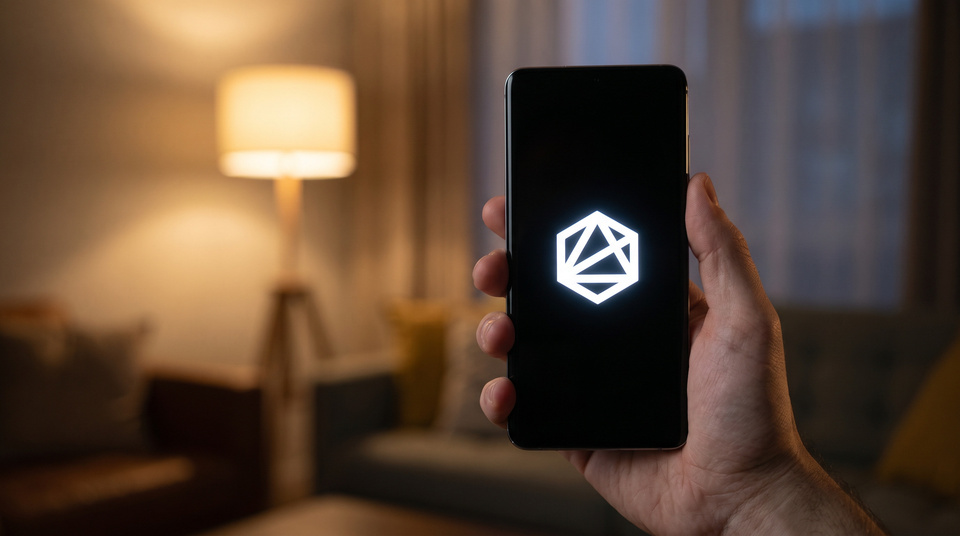
A hand holds a phone in a dim living room; on the screen a white geometric logo glows on black.

AI illustration · real gain map

SVG logo in a Story

A white mark on black, the case this tool was built for. Only the mark carries the gain map; the lamp in the room stays an ordinary highlight.

A phone lies on a café table beside an espresso cup, showing a red sneaker in a photo feed.

AI illustration · real gain map

Product photo in the feed
The product photo lifts above the white of the app around it, while the interface stays at ordinary white, the way Instagram shows it.

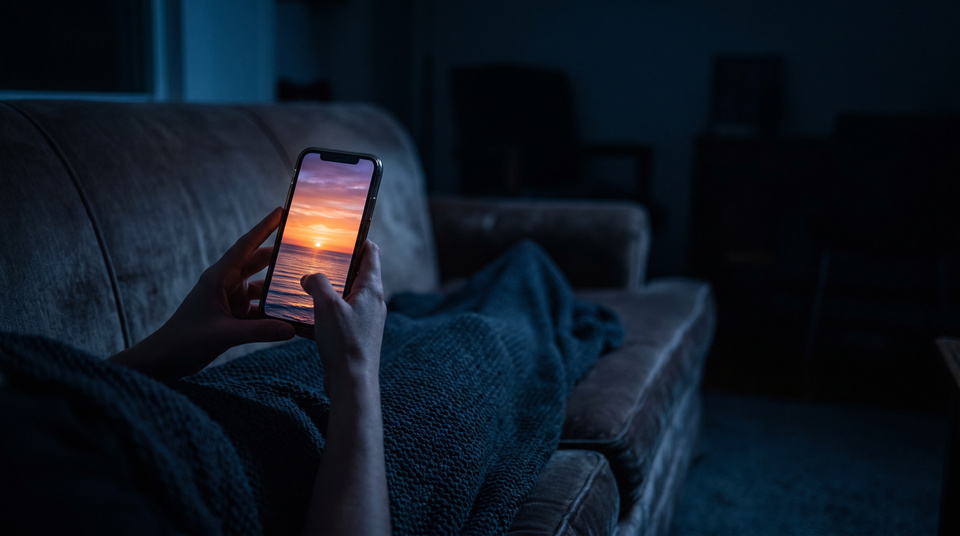
Two hands hold a phone on a sofa at night; the screen shows a sunset over the sea.

AI illustration · real gain map

The same file on a dimmed screen

At low brightness the room goes dark and the rest of the feed with it. The sun on the screen keeps its level, which is the whole argument for the format.

The scenes were generated with AI; the glow in them was computed by the same code as the tool above. They illustrate, they do not measure: which platforms keep the gain map comes from our own tests, listed further up the page.

Questions about bright HDR images

How do I make a super bright image for Instagram?

Drop the image into the tool at the top of this page, set how strong the glow should be and download the file. Post it as it is, without editing or re-saving it in another app first. It is an Ultra HDR JPEG, and on an HDR phone its bright parts render above the white of the app around them, which is what makes it look brighter than every other post in the feed.

Will this work on every phone?

No. The glow needs a display that can go above white, which means a recent iPhone, Pixel or Galaxy, or an HDR laptop or monitor. On everything else the same file still shows correctly, only without the extra brightness.

Why is the preview darker than the rest of the page?

Because the screen you are reading this on cannot go above white. To show the effect at all, the simulation dims both halves by the same amount and lets only the glow keep its level. The ratio between the two is what your eye reads on real HDR hardware, and that ratio is honest.

Is my image uploaded anywhere?

No, and there is no server that could receive it. Decoding, the gain map and the packaging all run in this tab. That is also why the first conversion pauses to fetch the image engine — about 3 MB over the wire — and why every conversion after it is immediate.

What is a gain map, exactly?

A second, small greyscale image stored inside the JPEG. It tells a capable display how much brighter each pixel may be rendered than the ordinary image next to it. The container is ISO 21496-1, the same format Adobe and Google write.

Which file do I get?

One JPEG. It contains the standard image, the gain map and the metadata that links them, so nothing about uploading it is special. Old software simply ignores the extra part. Below the download button you can also take the gain map on its own, as a greyscale PNG — the layer itself, useful for checking where the threshold landed or for working with it in Photoshop, which reads gain maps. We used to offer PNG and WebP copies of the picture there and removed them: neither format can carry a gain map, so under a gain map tool they were a dead end with a label on it.

Why is there no AVIF?

Because we cannot show you that it would carry the glow. AVIF can hold HDR, but through a different mechanism than a gain map, and the pixels a browser canvas hands out are eight-bit SDR. Asked for AVIF, Chrome silently returns a PNG instead — we measured it. An AVIF from here would be an ordinary SDR picture wearing a format that promises more, and offering that is exactly what we said we would not do.

My post glowed and then stopped. What happened?

Something in the chain re-encoded the file. Screenshots, several messengers and most scheduling tools rewrite the image and discard the gain map. Post the downloaded file directly and it survives.

Will platforms keep supporting this, or is it a trick that gets patched?

It is not a trick. The gain map is ISO 21496-1, an industry standard backed by Google, Apple, Adobe and Samsung, and every recent iPhone, Pixel and Galaxy already writes one into every HDR photo it takes. Platforms have to read that metadata, or their own users' ordinary holiday photos would look washed out. What could change is a cap on how far the tone mapping is allowed to go, say around +2 EV, to tone down the most extreme cases. The file would still glow, just less aggressively.

Could I get flagged or banned for posting these?

The file itself is not a red flag: it is the same standard format a recent phone camera writes on its own, so an upload from here is not technically distinguishable from an ordinary HDR photo. It does not bypass anything and breaks no technical rule. What we cannot promise is how a platform's moderation judges an image that overwhelms the rest of a feed — some platforms treat aggressively attention-grabbing content as spam or harassment, and that is a judgment call on their end, not a technical one. We have had no reports of this happening and have not measured it either way, so we cannot rule it out. The safer choice, and usually the better-looking one, is restraint: let the highlights glow rather than blowing out the whole frame.

Can I use a transparent PNG or an SVG?

Yes, both are the main case. JPEG has no alpha channel, so transparency is flattened onto black before the gain map is computed, which is usually what you want for a mark that is supposed to glow.

What does it cost?

Nothing, and there is no account. The conversion runs on your device, so it costs us nothing to give away.

100%